
Split Expenses – SplitTrip
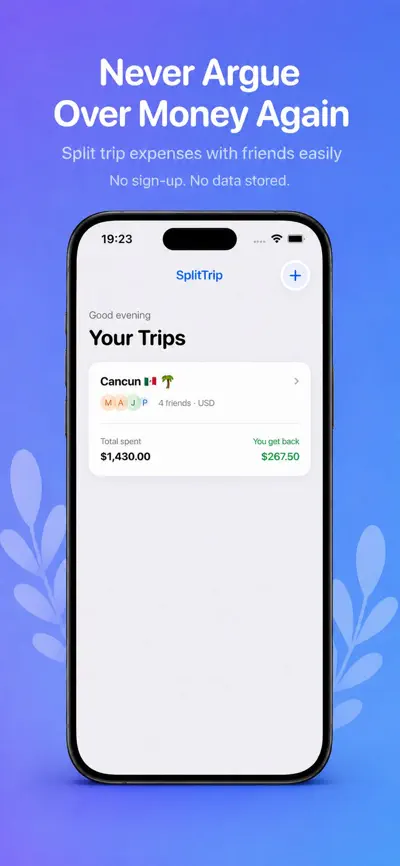
Split Expenses, See Who Owes. SplitTrip makes splitting bills and shared expenses with friends, roommates, couples, and travel groups simple and drama-free.

Highlights
- 01
Create unlimited trips and expense groups
- 02
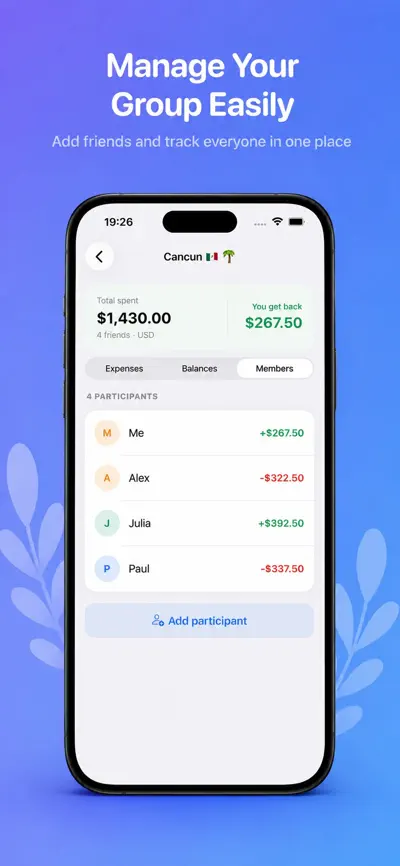
Add as many participants as you need
- 03
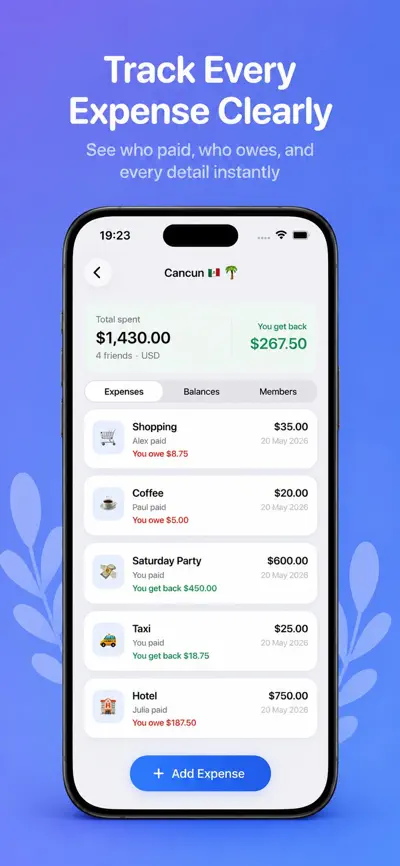
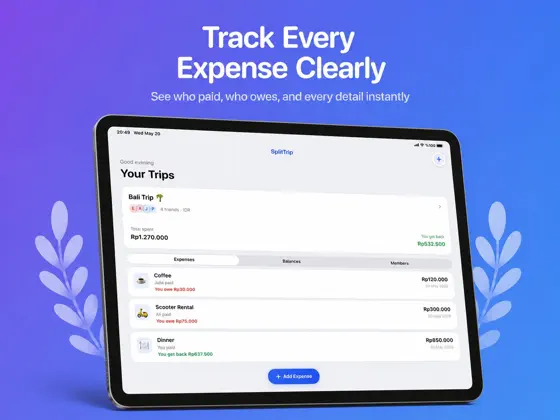
Track who paid for what
- 04
Automatic share calculations for every expense
- 05
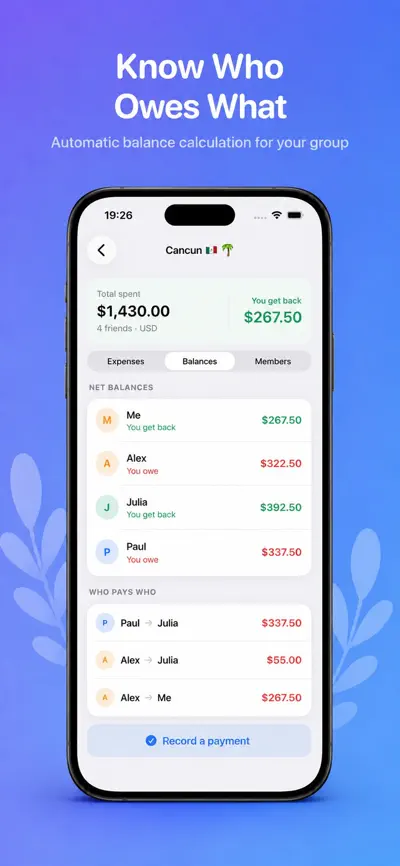
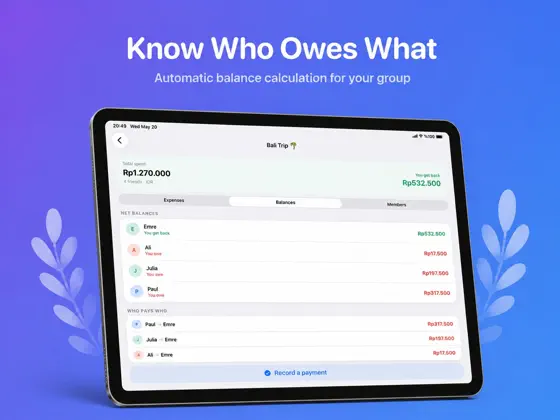
Real-time balances that show who owes who
- 06
Settle up in a couple of taps
From the official App Store description.
Screenshots
iPad
About SplitTrip
Read the full App Store description
SplitTrip makes splitting bills and shared expenses with friends, roommates, couples, and travel groups simple and drama-free.
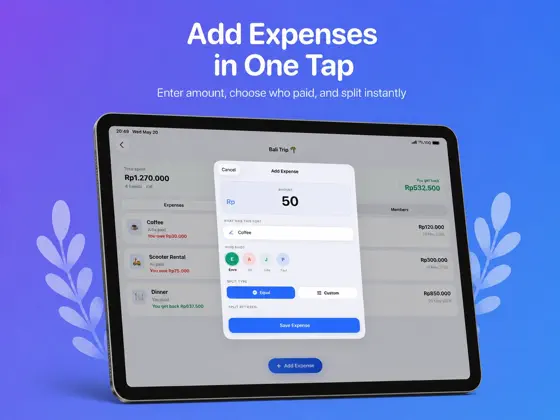
Create a trip or group, add everyone involved, and log expenses as they happen. SplitTrip automatically calculates each person's share and shows exactly who owes who, so you can settle up without the math, the spreadsheets, or the awkward conversation.
KEY FEATURES
- Create unlimited trips and expense groups
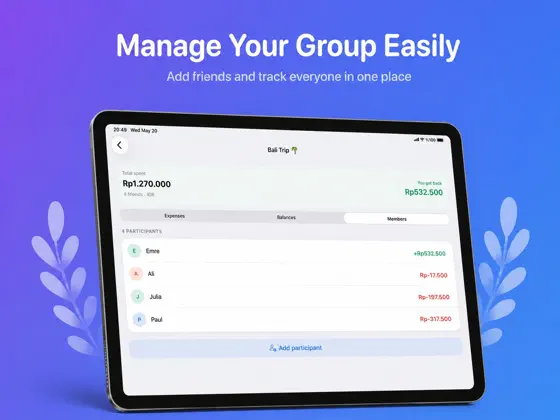
- Add as many participants as you need
- Track who paid for what
- Automatic share calculations for every expense
- Real-time balances that show who owes who
- Settle up in a couple of taps
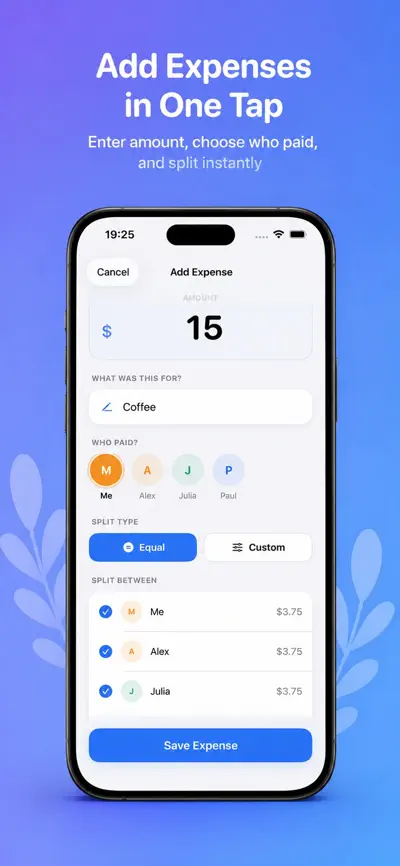
- Split equally or enter custom amounts
- Multi-currency support for trips abroad
- Full expense history for every group
AI RECEIPT SCAN
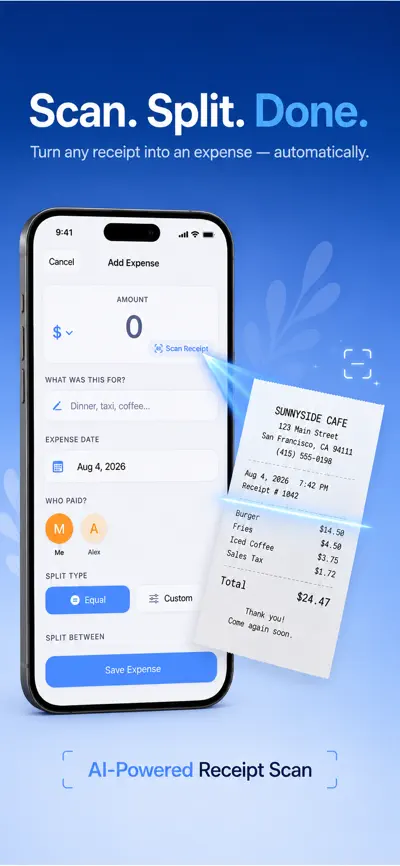
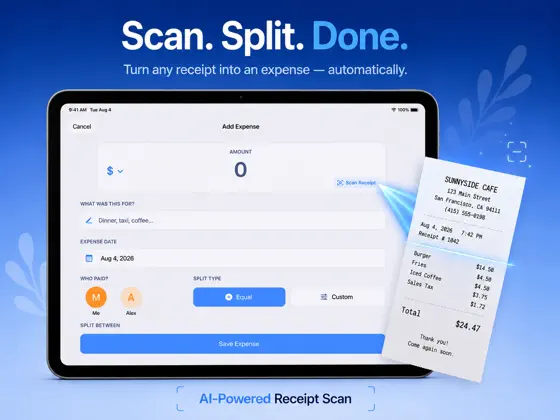
Skip the manual typing. Snap a photo of a receipt and SplitTrip uses AI to read the total and add it as an expense — you can even itemize individual items on the receipt and split them separately. Receipt scanning is entirely optional; you can always enter expenses by hand instead.
PRIVACY
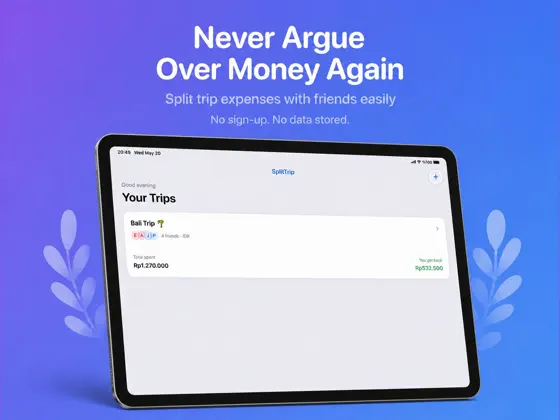
No account or sign-up is required to use SplitTrip. Your trips, expenses, participants, and balances are stored locally on your device. SplitTrip doesn't use advertising SDKs or analytics services. If you choose to use AI Receipt Scan, the receipt image is sent to an AI processing service solely to extract the expense details — this only happens when you actively use that feature.
OPTIONAL PREMIUM
SplitTrip offers an optional Premium subscription with Weekly and Yearly plans. Eligible plans may include a 3-day free trial. Pricing and plan details are shown in the app before you subscribe, and you can keep using the core features without subscribing at all.
Whether it's a weekend trip, a shared apartment, or everyday costs with your partner, SplitTrip keeps shared money simple and clear.
Download SplitTrip and stop chasing people for money.
- Privacy Policy:
- https://emrebir54.github.io/splittrip-legal/privacy.html
What people use SplitTrip for
- A weekend trip or a trip abroad with friends
- Shared bills in an apartment with roommates
- Everyday costs with your partner
- Group expenses where people pay different amounts
From the official App Store description.
Questions and answers
What is SplitTrip for?
SplitTrip helps you split bills and shared expenses with friends, roommates, partners and travel groups. You create a trip or group, add the people involved and log expenses. SplitTrip calculates each person's share and shows who owes whom.
Can I split an expense unequally?
Yes. You can split an expense equally or enter custom amounts.
Does SplitTrip support different currencies?
Yes. SplitTrip has multi-currency support for trips abroad.
How does receipt scanning work?
With AI Receipt Scan you take a photo of a receipt, and SplitTrip uses AI to read the total and add it as an expense. You can also itemize individual items on the receipt and split them separately. Receipt scanning is optional; you can always enter expenses by hand.
Do I need an account, and where is my data stored?
No account or sign-up is required. Your trips, expenses, participants and balances are stored locally on your device. If you use AI Receipt Scan, the receipt image is sent to an AI processing service only to extract the expense details.
Is there a limit on trips or participants?
No. You can create unlimited trips and expense groups and add as many participants as you need.
Is SplitTrip free?
You can use the core features without a subscription. SplitTrip also offers an optional Premium subscription with weekly and yearly plans; eligible plans may include a 3-day free trial. Pricing is shown in the app before you subscribe. In-app purchases listed on the US App Store: SplitTrip Premium Yearly ($19.99), SplitTrip Premium Weekly ($2.99).
Which devices does SplitTrip work on?
SplitTrip works on iPhone and iPad and requires iOS 17.0 or later, according to its App Store listing.
Answers are based on the official App Store listing (version 1.1.3). Need help with a problem? Visit SplitTrip support.
Information
- Publisher
- EEB CONSULTANCY LLC
- Category
- Utilities
- Compatibility
- iPhone and iPad · iOS 17.0 or later
- Languages
- English
- Age rating
- 4+
- Price
- Free
- In-app purchases
- SplitTrip Premium Yearly — $19.99
- SplitTrip Premium Weekly — $2.99
- Size
- 5.3 MB
- First released
- May 22, 2026
Details from the US App Store, checked Nov 17, 2026. Prices can vary by country.
What’s new
We've improved SplitTrip with bug fixes, performance and stability improvements, and refinements for a smoother, more reliable experience.